
Students may be withdrawn if their teacher, through collaboration and consultation with the student, families and carers, school leadership team and the student's support network to determine withdrawal is the appropriate decision. For students with dual enrolments, census (home) schools should also collaborate with the non-census schools.
Only students who have not been assessed or are not in progress of the assessment can be withdrawn.
1. To withdraw a student, click the Start button corresponding to the student. You can withdraw a student only before starting the assessment.

2. Select Withdraw student and enter a reason for withdrawing.
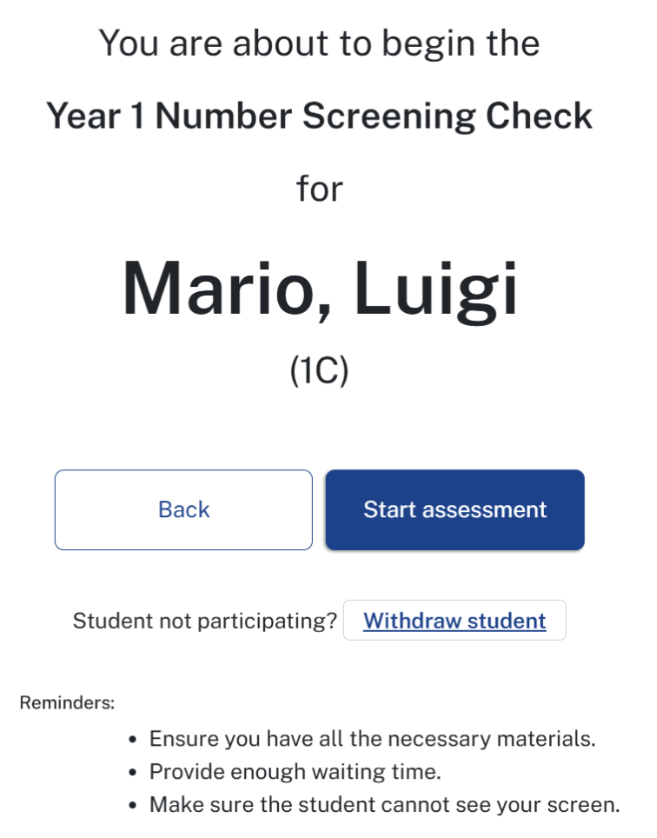
3. Selecting one of the reasons displayed is mandatory to withdraw a student. You can enter additional comments in the Comment box.
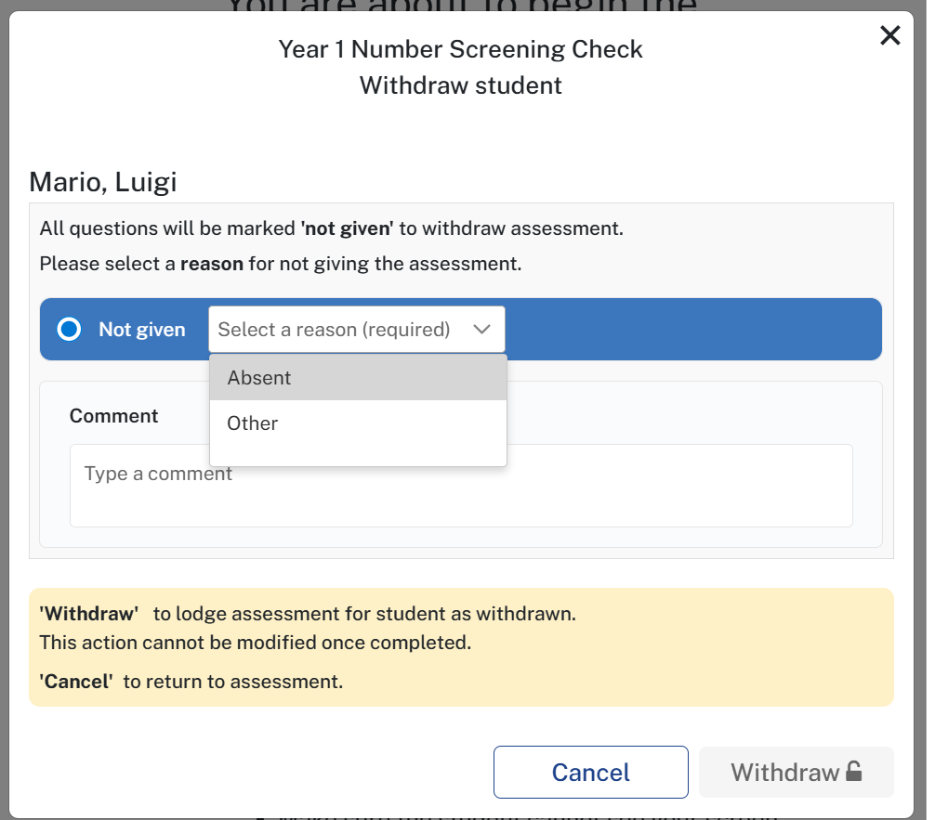
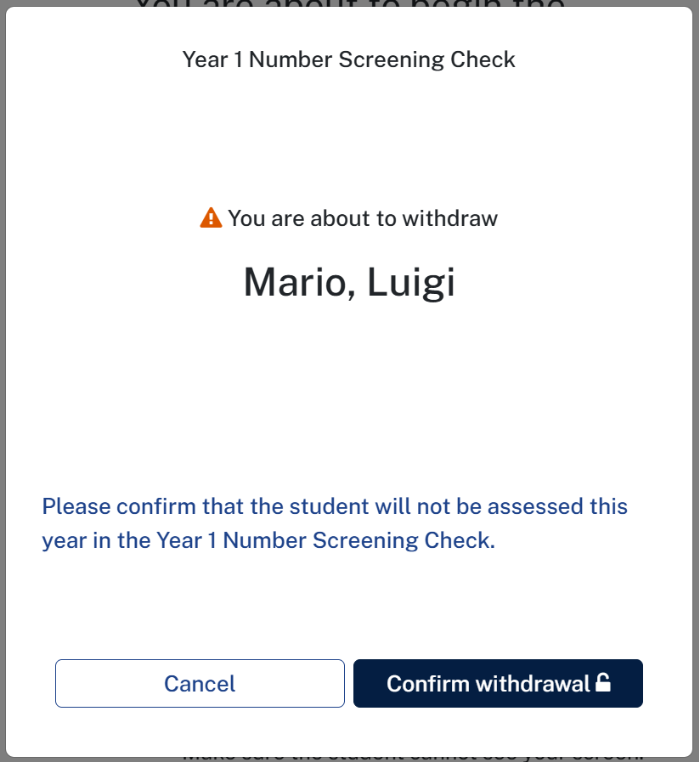
4. Once the reason is selected, Withdraw button would get enabled. Click on the Withdraw button, a pop-up window will open, select Confirm withdrawal.
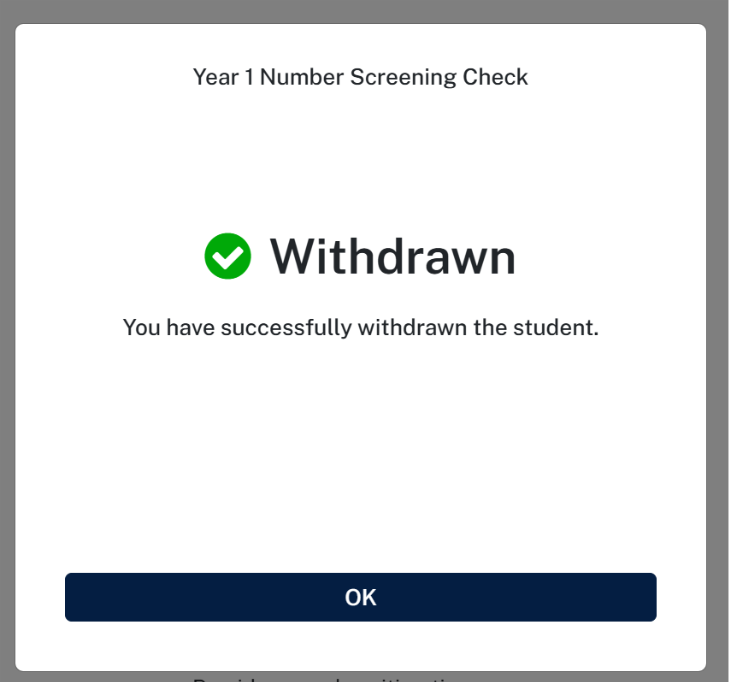
5. A success message would be displayed, click on OK button to navigate to the student listing page.
6. Confirm the student has been withdrawn from Year 1 Number Screening Check. The student status will change to withdrawn.

Please note, this does not apply to students that are shared between schools, for example Distance Ed schools.