How to access the online tool
1. Log in to the ALAN homepage.
2. In the ALAN homepage, select the Year 1 Number Screening Check tile.
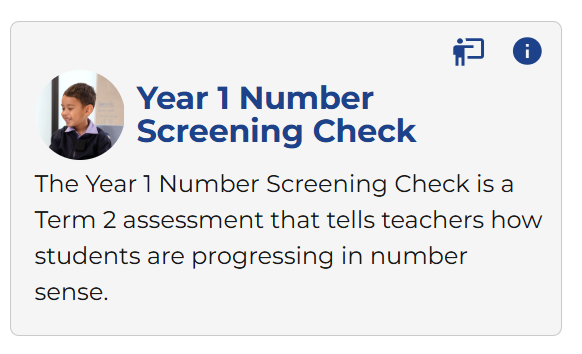
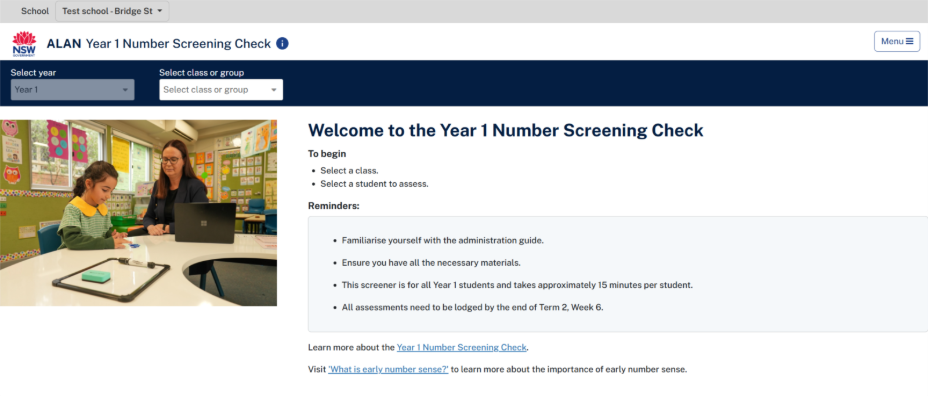
3. Selecting the Year 1 Number Screening Check tile to open the application.

Modified on: Tue, 31 Mar, 2026 at 2:48 PM
How to access the online tool
1. Log in to the ALAN homepage.
2. In the ALAN homepage, select the Year 1 Number Screening Check tile.
3. Selecting the Year 1 Number Screening Check tile to open the application.
Did you find it helpful? Yes No
Send feedback